
Developers often need to change the current application object layer. For example, customizations in AX 2012 always take place in the USR layer. To change it:
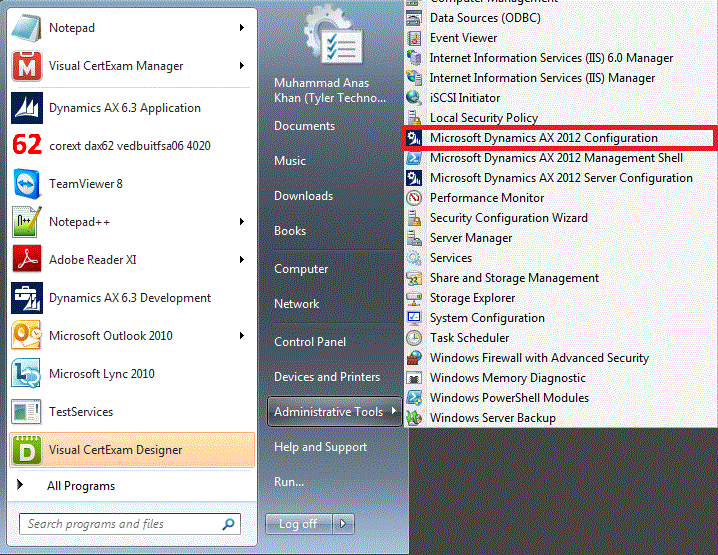
1. Go to Microsoft Dynamics AX 2012 Configuration
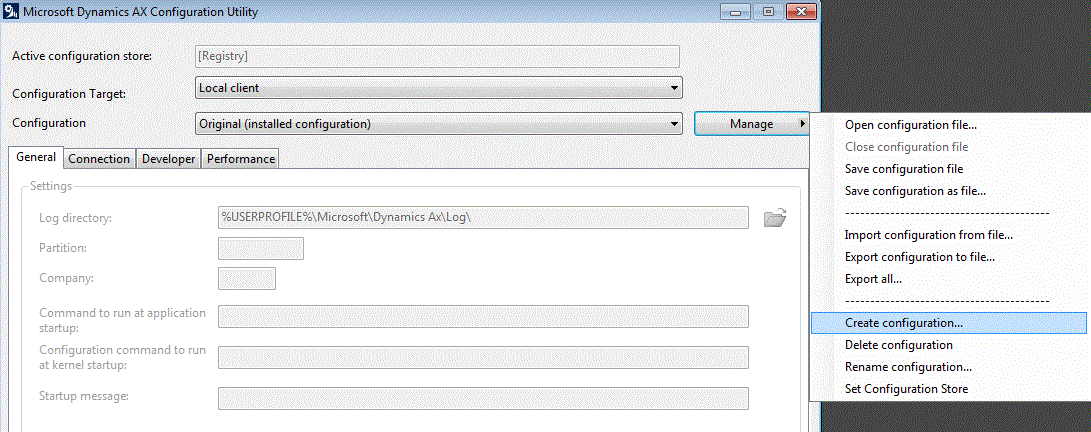
2. Click Manage then click Create configuration
3. Give it a suitable name and then click OK
4. Switch to Developer tab and choose your desired layer from the drop down menu of Application object layer.
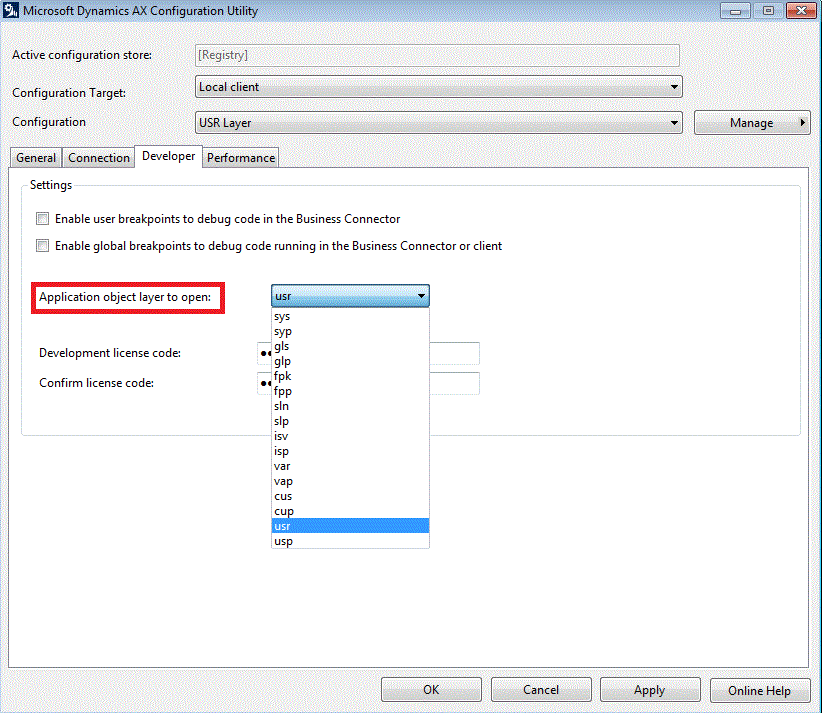
5. Click OK
 D365 for Finance and Operations
Leave a comment