
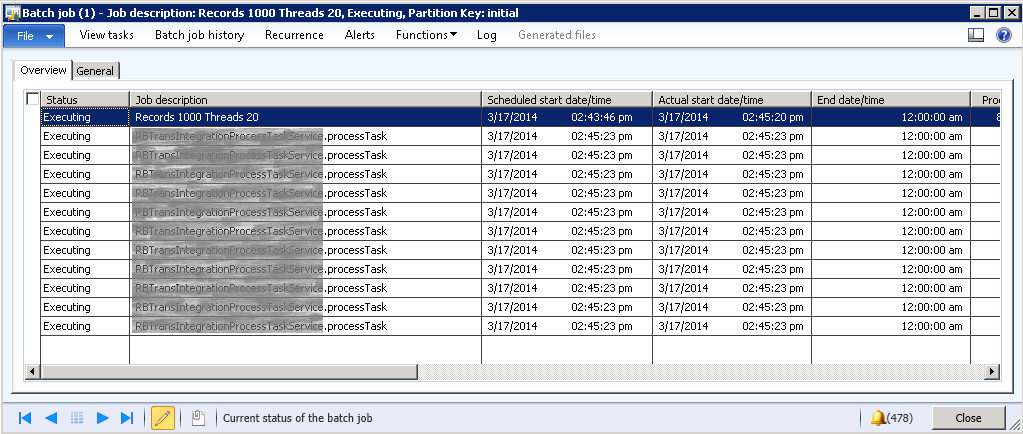
After triggering the batch job, go to System Administration > Inquiries > Batch jobs and open Batch jobs form. Here you can see your batch job queued for execution. If you want to expedite running your batch job, you can change the status to Withhold of jobs queued to run before your job.
To change the status of any job go to Functions > Change Status. You can also see the log entries against any job by selecting the job and then clicking the Log button.
 D365 for Finance and Operations
Leave a comment