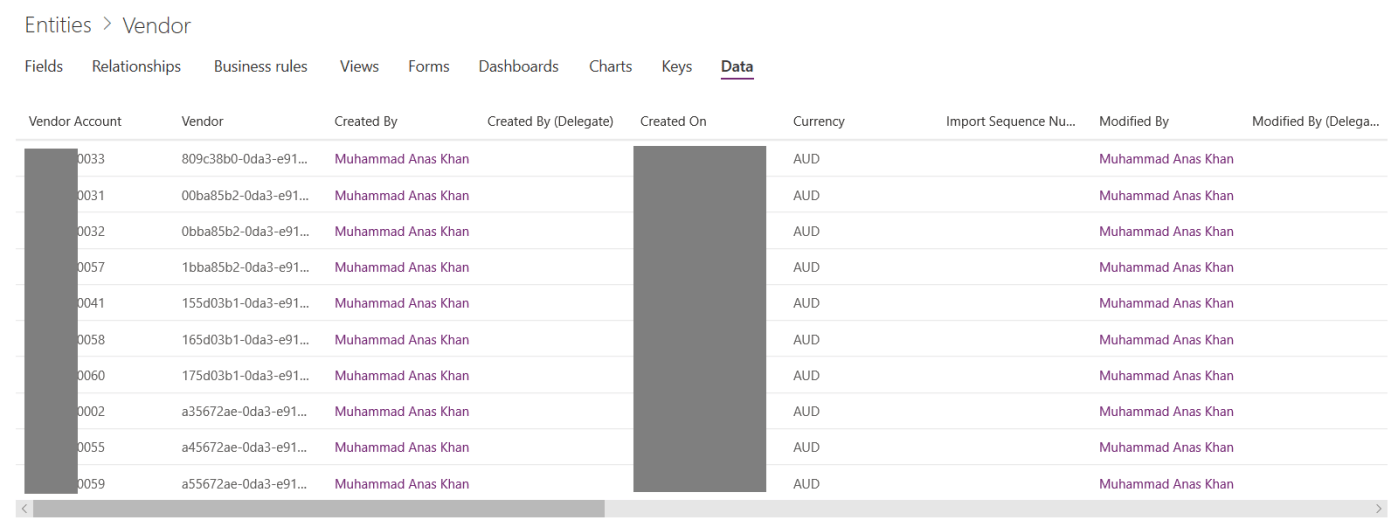
Product:
- Dynamics 365 for Finance and Operations
- Common Data Service
Purpose:
The purpose of this blog is to demonstrate how we can integrate Dynamics 365 for Finance and Operations with Common Data Service (CDS).
Prerequisites:
- Basic understanding of Common Data Service and PowerApps Admin Center
Steps:
Create a new custom entity for Vendor and add relevant fields

Create a new connection set in PowerApps Admin Center. Select Finance and Operations as the source environment and CDS as the target environment. Give in relevant organization details.

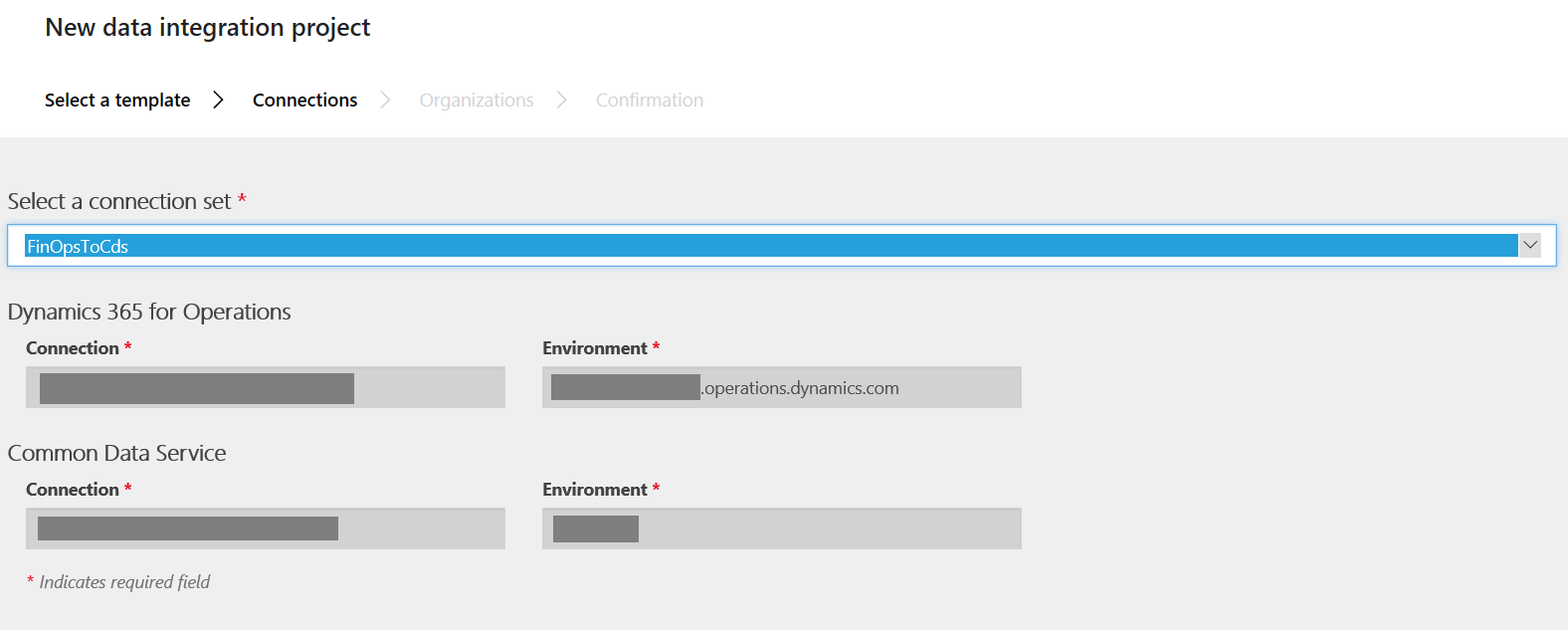
Create a new Data Integration Project in PowerApps Admin Center. Select Fin and Ops to CDS template.

Select the previously created connection set and then select the relevant organization.
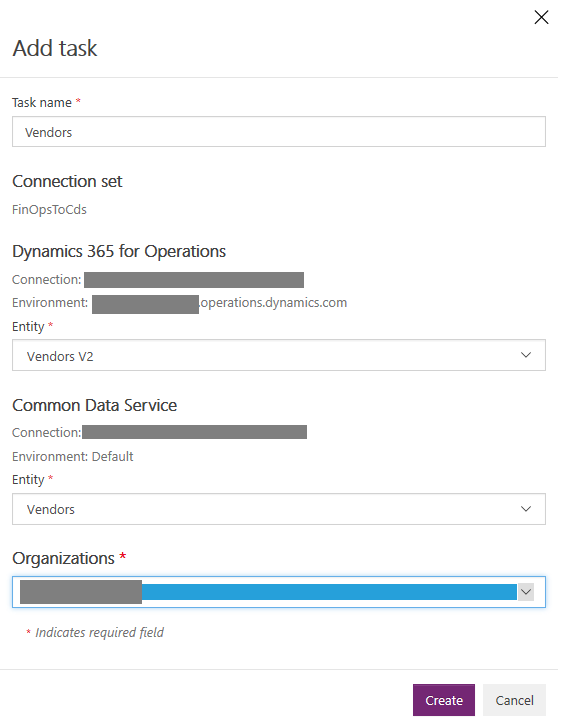
Once the project is created, add a new task to the project, selecting the relevant source and target entities.

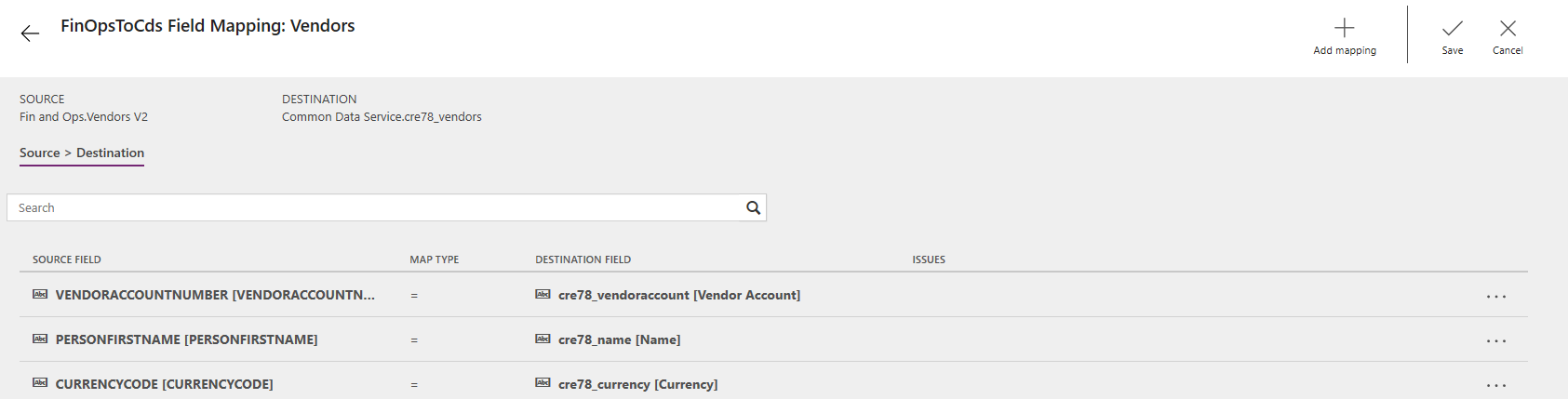
Configure field mappings.
Finally run the project.

Bingo! Data flows from Dynamics 365 for Finance and Operations to CDS.
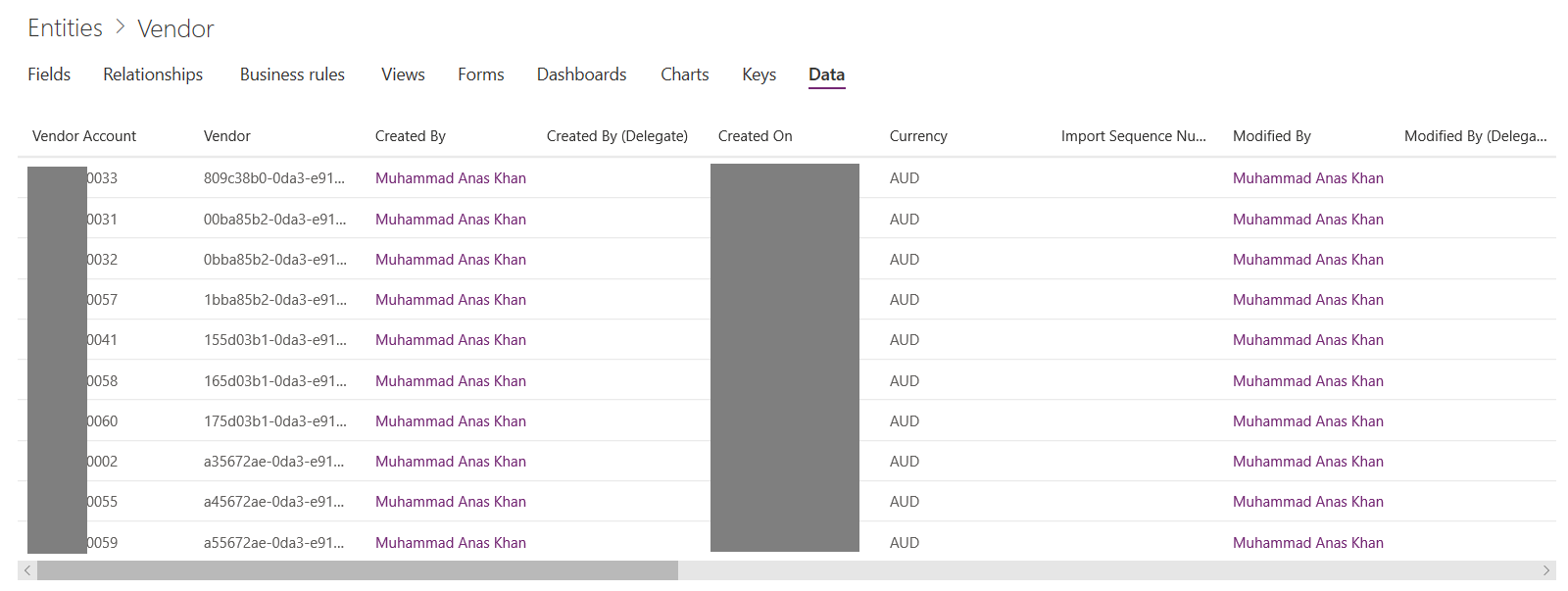
You can schedule the Data Integration Project as well!
 D365 for Finance and Operations
Hi there, nice article. I had tested this out on the project entity and found duplication were being created whenever it would run a Sync. I believe this might require the use of integration keys within the connection set to stop creation of the duplicates? Also, I am guessing this is one way meaning FinOps to CDS only when using a custom template?
The duplication can be controlled by defining alternate keys in the “Keys” tab for each CDS entity. Once the alternate keys are defined then whenever you would run the data integration project, you’ll see error messages for existing records because of alternate keys. In this way, only new records will sync through to CDS.
Yes its only one ways as of now.